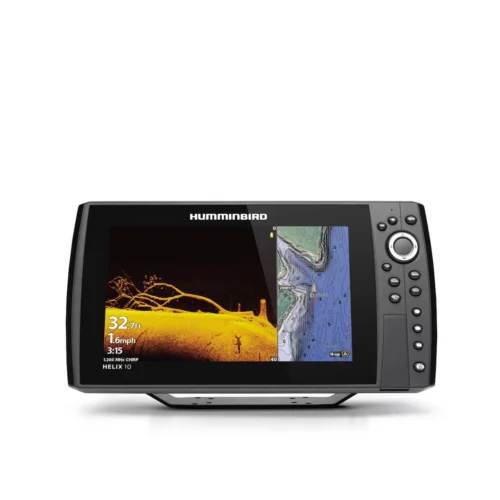
Custom Digital Readout Selection
Advanced User Mode allows customization of digital readouts. Select from available options on all 5 different readout boxes.
Custom View Selections
User selectable views allows you to see only the views that you want, giving you the flexibility to access the information you need quickly and easily.
Large Digits View
Also known as Big Digits View provides digital data in a large, easy-to-see format. Depth is always displayed. Readouts for temperature, speed, and Triplog information are displayed automatically if the appropriate accessory is connected. The Triplog shows distance traveled, average speed, and time elapsed since the Triplog was last reset. The digital readouts in the Big Digits View cannot be customized.
Selectable Background
There are three different Background choices for a combination of twelve different possibilities for Display Colors. GPS Views only allow the Background to be changed.
Temperature Alarm
Allows you to preset and display an alarm when a desired temperature is reached. Especially useful to find fish that tend to stay isolated to certain temperature bands.
Temperature Graph
Temperature Graph allows you to display or suppress a water temperature graph over the main Sonar View to show temperature changes correlated to recent sonar history.
Triplog
The Triplog is a selectable readout and will only appear in the menu if a Speed Accessory, GPS or Paddlewheel, is connected. The Triplog provides average speed, distance traveled, and elapsed time information.
View Preset Keys
The View Preset Keys are used to program your three favorite views for quick retrieval. Instead of using the VIEW key to cycle through every view to find the one you want, you can program these to display a specific view immediately.
X Press Menu System
The X-Press Menu provides quick access to the settings most frequently used. Press the Menu key once to access the X-Press menu. This simple and convenient feature saves valuable time when you want to change the most used settings. Spend more time fishing and less time adjusting. Press the menu key a second time to access the main menu.
-
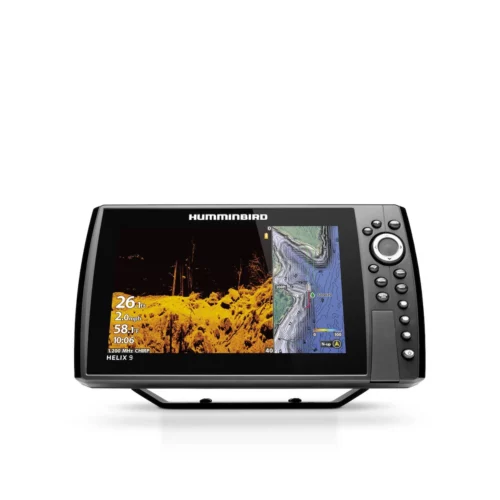
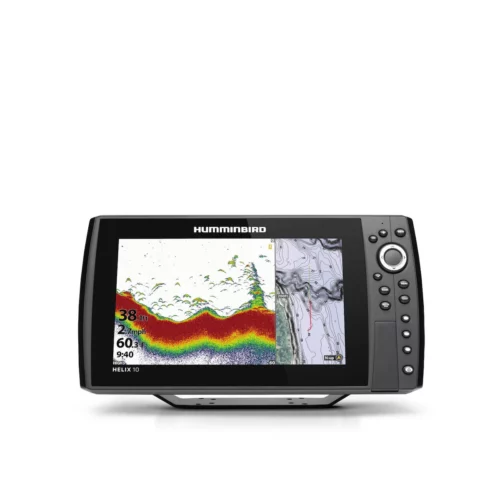
 Humminbird Helix 9 CHIRP MEGA DI+ GPS G4N$1,650.00
 -
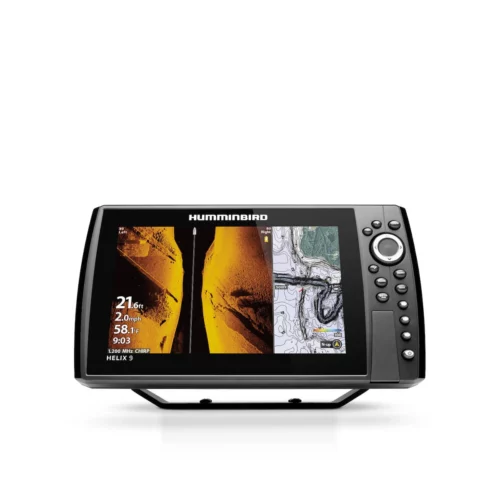
Humminbird Helix 9 CHIRP MEGA SI+ GPS G4N$2,200.00
-
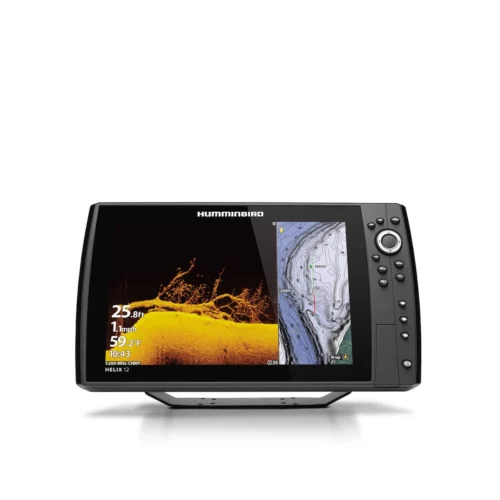
Humminbird Helix 12 CHIRP MEGA DI+ GPS G4N$3,250.00
-
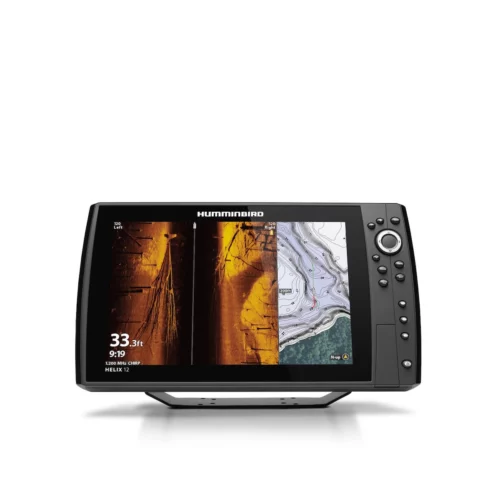
Humminbird Helix 12 CHIRP MEGA SI+ GPS G4N$3,730.00
-
Humminbird Helix 10 CHIRP GPS G4N$1,795.00
-
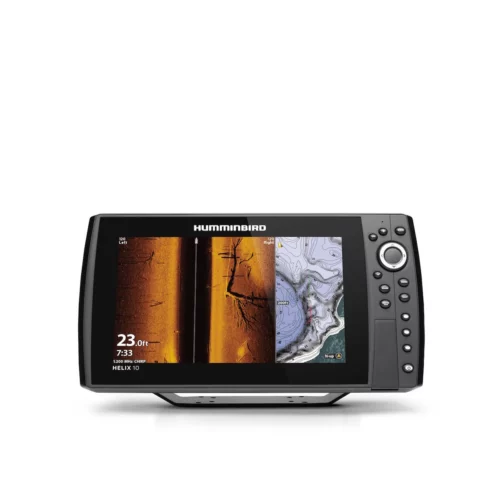
Humminbird Helix 10 CHIRP MEGA SI+ GPS G4N$2,990.00
-
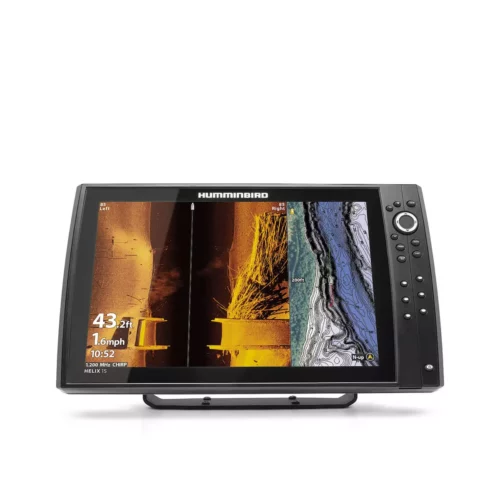
Humminbird Helix 15 CHIRP MEGA SI+ GPS G4N$4,400.00
-
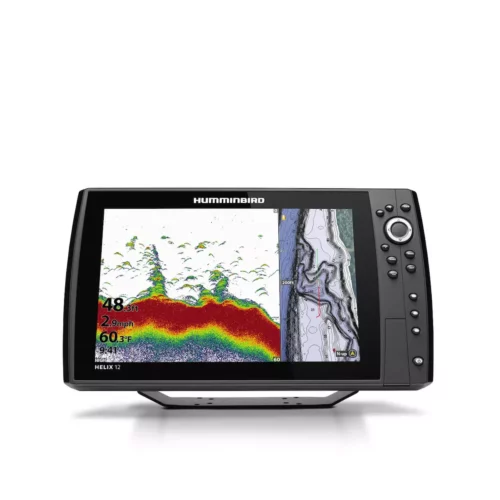
Humminbird Helix 12 CHIRP GPS G4N$2,850.00
-
Humminbird Helix 10 CHIRP MEGA DI+ GPS G4N$2,090.00